Installation
OPETIA can be installed on macOS/Windows/Ubuntu systems using the following steps:
Install Conda
You can install Conda from the official website:
(Choose Miniconda for your OS: Windows, macOS, or Linux.)
Check if Conda is installed correctly by running the following command in your terminal (macos/Ubuntu) or Anaconda Prompt (Windows):
conda --versionInstall git
In the terminal (macOS/Ubuntu) or Anaconda Prompt (Windows), run the following command to install git:
conda install -c anaconda git
git --version
Download OPETIA
You can download OPETIA from its GitHub repository by running the following command in the terminal or Anaconda Prompt:
git clone https://github.com/taha-parsayan/OPETIA.git
cd OPETIA
Install the packages
Run the following command in your terminal or Anaconda Prompt to install the required packages:
conda env create -f environment.yml
Run OPETIA
Activate the OPETIA environment and start OPETIA by running the following commands:
conda activate opetia
python OPETIA.py
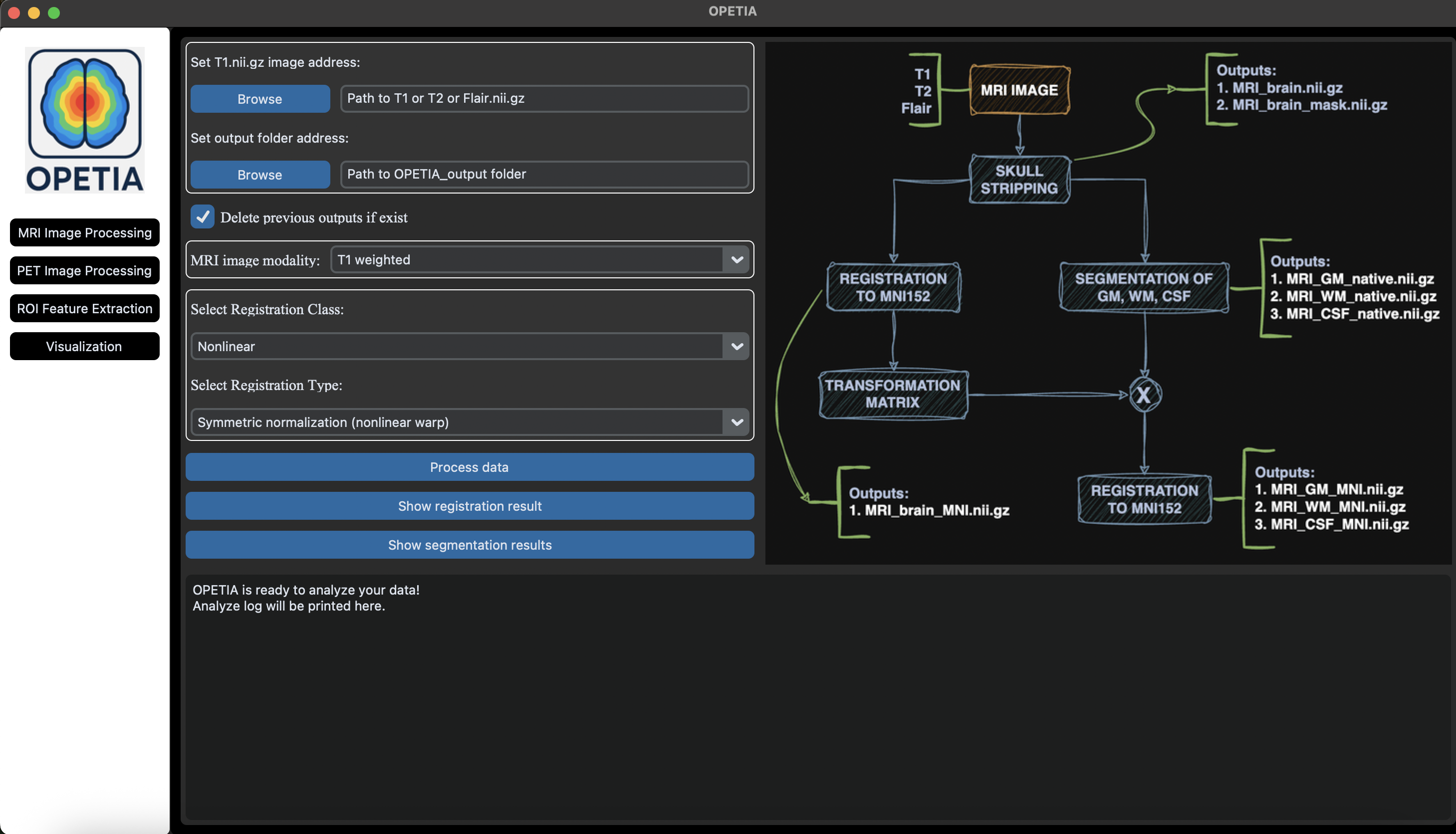
You should see the OPETIA interface as shown below: